⚠️ Important note
Overcommit has been superseded by Lefthook this page is left here for historical reasons.
Installation
In your terminal, within the repository root exec the following commands
bundle install --gemfile=.overcommit_gems.rb
bundle exec --gemfile=.overcommit_gems.rb overcommit --install
Please notice that the tool is completely optin, if you don't run overcommit --install nothing will change in your usual workflow.
Usage
Once installed it should work out of the box, and on any change it will execute rubocop on changed files (using bundle and --server) and requiring only rubocop gems, so it should be lot faster than before.
Rubocop will continue to read .rubocop.yml from subfolders so nothing should change on your current workflow and you should get same results as CI but lot faster 🚀 🚀 🚀
Overcommit will run on files added to staged area and it will lint them using rubocop, aborting the commit if something wrong (i.e. exit code 1):
With manual rubocop
(you have to remember to invoke it before commiting and/or push)
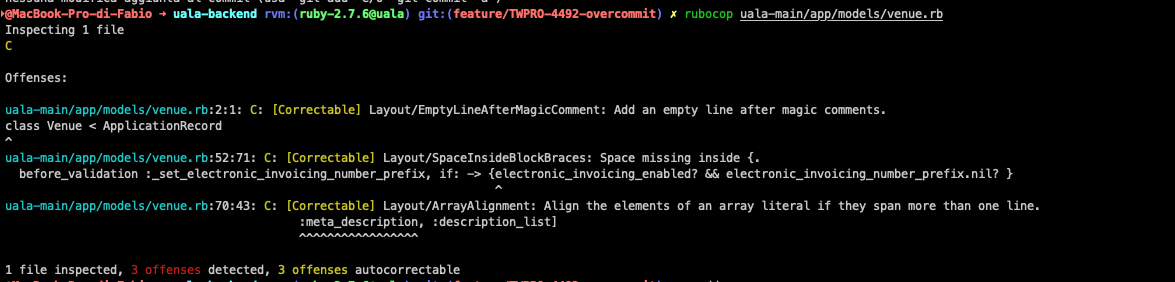
With overcommit
It's a kind of magic 🪄

If you need to bypass overcommit for any reason just set this environment variable and you're ok
OVERCOMMIT_DISABLE=1 git whatever
If you want to uninstall (why???), simply run
overcommit --uninstall
Running in the IDE
Rubymine
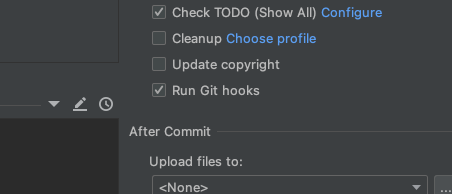
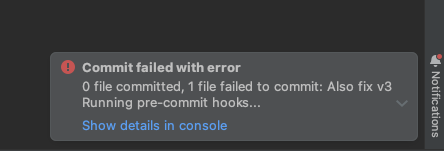
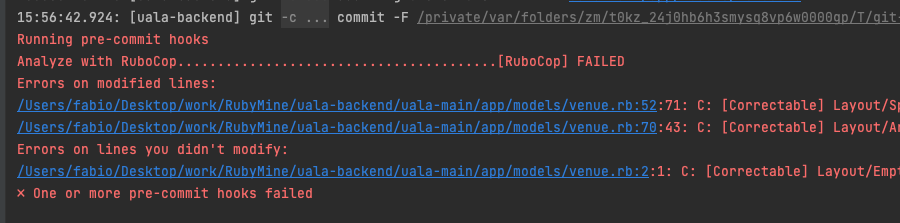
Within Rubymine (plus RVM) git hooks are detected and turned on in commit dialog, they can be bypassed by unchecking the relevant checkbox. However IDE will run without reading full profile and for this reason pre-commit hook can fail with an error similar to this:
Problem loading '.overcommit_gems.rb': Could not find concurrent-ruby-1.1.10 in any of the sources
In order to solve the issue you should install relevant gems in default ruby with
cd <uala-backend-path>
rvm use default
gem install bundler
bundle install --gemfile=.overcommit_gems.rb
And everything should work (you'll notice a small delay in commits because of rubocop being executed)
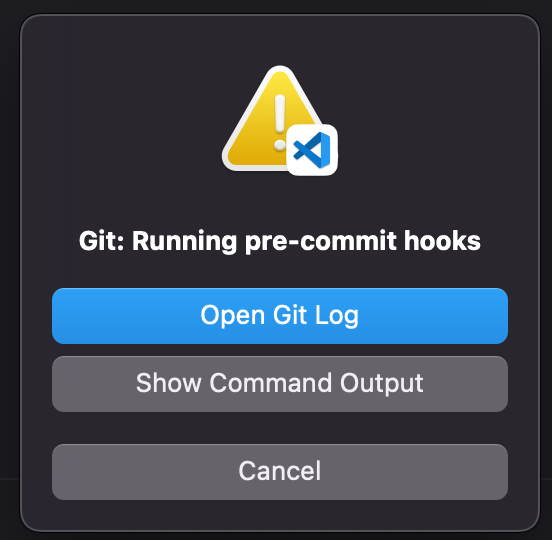
Visual Studio
It works out of the box
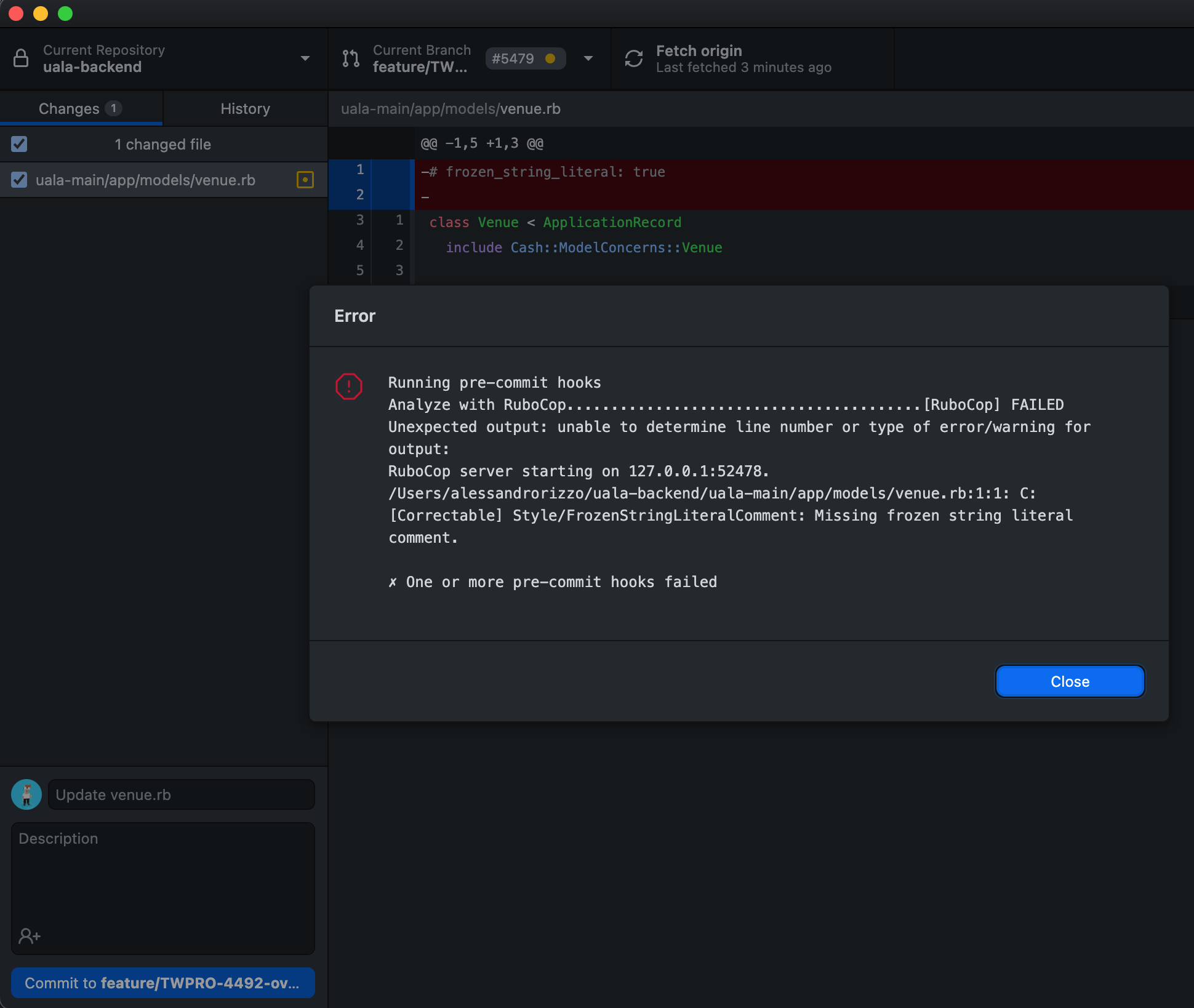
Github Desktop app
It works out of the box
Overcommit security
If you see this error on running git commit
Signature of configuration file has changed!
Run `overcommit --sign` once you've verified the configuration changes.
For more information, see https://github.com/sds/overcommit#security
It's because .overcommit.yml configuration has changed somehow. Review changes and sign them with overcommit --sign to get rid of error.
See https://github.com/sds/overcommit#security for more details
Future improvements
- Do we want to enable other checks?
- Do we want to enforce it's usage? (I'd say no)
- Do we want to make it quiet?