How-to-turn-on-the-SaaS-on-your-local-machine
Setup
-
The native way
(dependencies: PostgreSQL, Redis, Opensearch)
-
The Docker compose way
(dependencies: Docker)
-
Turn on Docker
-
Log in to ECR (images come from the ECR pull-through cache; the login lasts 12 hours, so rerun it when pulls fail with
no basic auth credentials):aws sso login --profile treatwell-x-uala-development.readonlyaws ecr get-login-password --region eu-central-1 --profile treatwell-x-uala-development.readonly \| docker login --username AWS --password-stdin 268936375139.dkr.ecr.eu-central-1.amazonaws.com -
Run
./docker-compose-run.sh -p uala-main(the first time takes very long)
-
2. Login
Open DevX and setup as following:
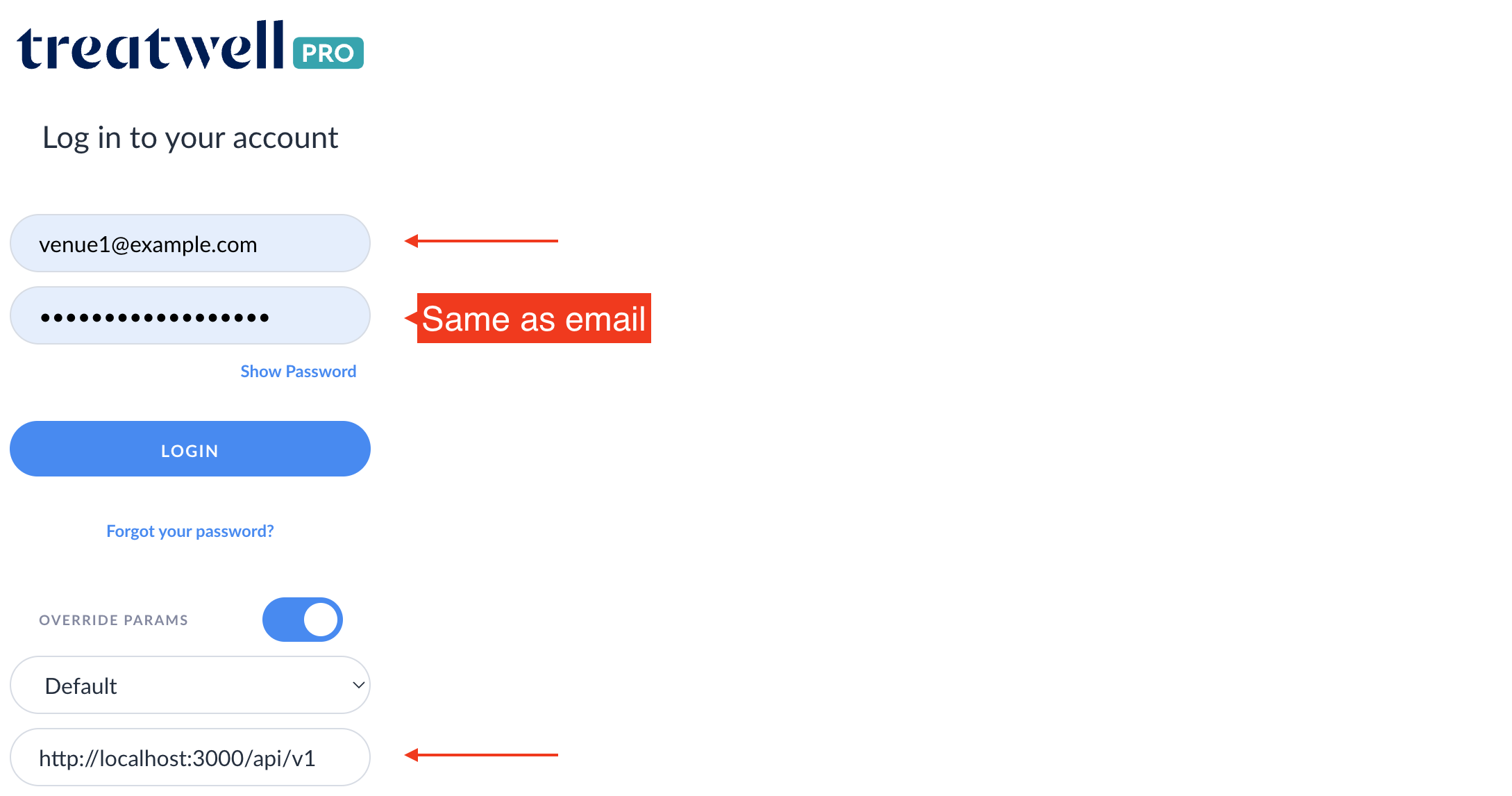
Congratulations! You can now click LOGIN and use your own local SaaS 🎉