Traduora
We use Traduora to handle string translations, along with the rails-i18n gem. While the latter helps having common translations like day names, currency format, date format, etc., Traduora is a service that we self-host in our infrastructure that manages custom translations.
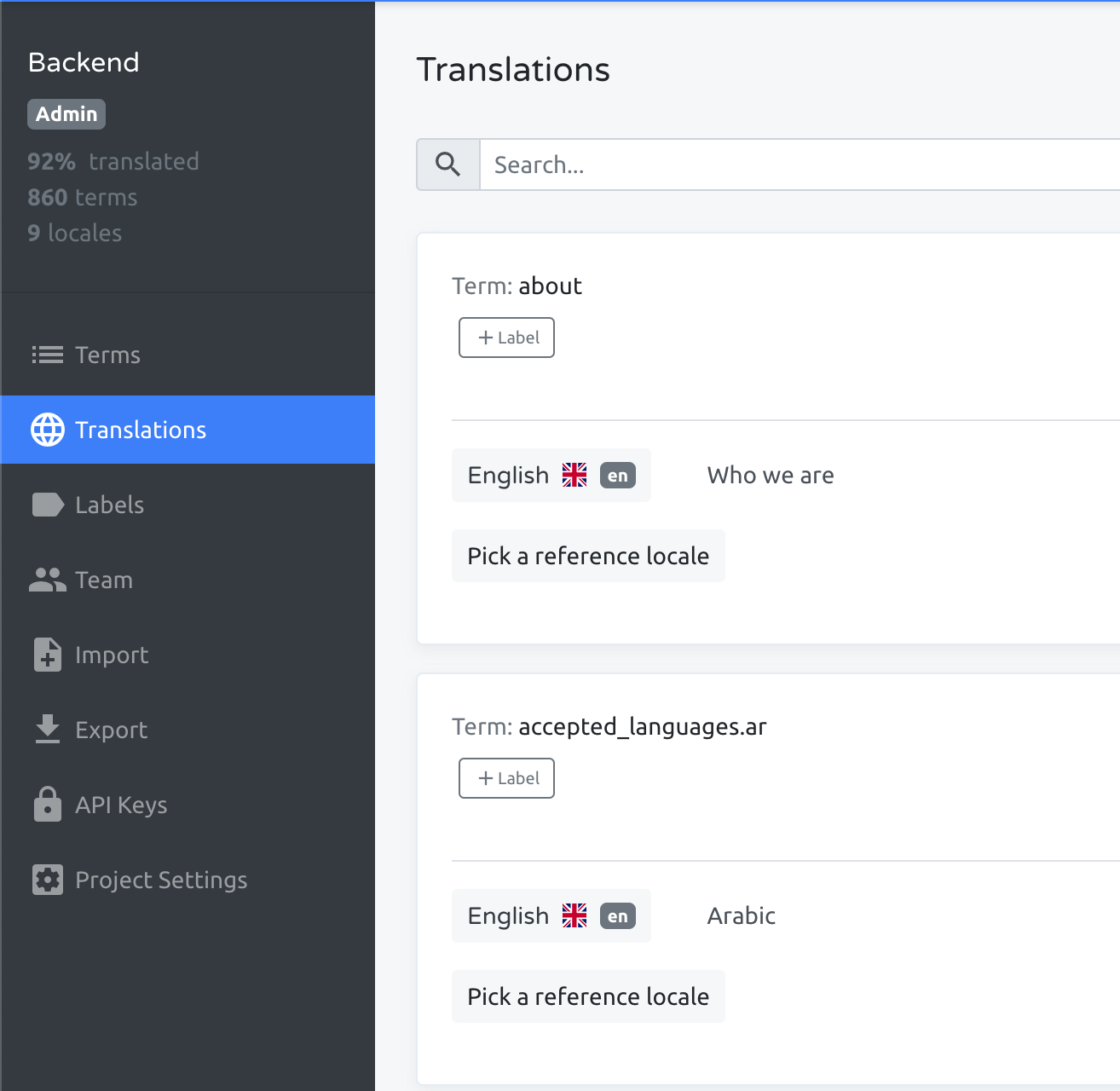
Backend string management
All the string translations are placed in uala-core/config/locales folder and a YML file must be present for each entry of I18n.available_locales. We avoid having different translation files per application to better manage them.
uala-core
└── config
    └── locales
        ├── de.yml
        ├── en.yml
        ├── es.yml
        ├── fr.yml
        ├── it.yml
        ├── ...
        └── pt.yml
Before going on, you have to create your pair of keys and find project id:
- Go to Traduora and navigate to Backend → API Keys (you can find a menu item at the left of the screen)
- Now at the top-right of the screen you should find a button "Add API client", click it and create your pair
- If you're looking for project id, is that hash in the url
- After you have done with your PR or what you're doing with that pair, please delete them from the interface
All the translations should be added and changed through Traduora and imported by provided tasks:
TRADUORA_CLIENT_ID={client id} TRADUORA_CLIENT_SECRET={client secret} TRADUORA_PROJECT_ID={project id} bin/rails translations:download(ask backend team if you need these keys)bin/rails translations:fallback_empty_values
Example of import result:

The first task will import strings to your local uala-core/config/locales folder, reflecting whatever is present on the given Traduora project.

The second task will fallback untranslated strings from the default en locale, in order to prevent empty translations.

!!!warning Warning Always check for differences in translation file to make sure they match expectation and they're compliant with those YML structure. Remember that broken translation will result in Rails application failing to boot or failing to load the whole translation file.
One thing that we also should pay attention on is that %{placeholder} must not be translated.
!!!
!!!info
We are going manually importing translations because broken translations file can impact the application behaviour. It would be possible to automatically import them from CI tasks but before that we must be sure that changes coming from Traduora are verified and safe.
!!!
Add a new locale
New locales should not be added by modifying the code directly, instead, they should be added through Traduora.
Once added in Traduora, make sure to include them in config.i18n.available_locales in uala-core/lib/uala/core/engine.rb and in bitfield :available_locales_bits in uala-main/app/models/venues/bitfields.rb